Welcome - Member

Welcome to the New ILEETA Website

Let’s Get Your Account Set Up.

Choose the statement that best describes you, then follow the steps for that pathway.

ILEETA members, trainers, educators, and industry professionals often serve in more than one role. This page is designed to help you choose the correct account path without creating duplicate profiles.

Choose Your Path Contact ILEETA

Start here

Which Statement Best Describes You?

Select the category that most closely matches your situation. Each button will take you directly to the instructions you need.

Before you begin: Please do not create multiple accounts. Use the email address where you recieved the link to these instructions and, when possible. In the past, Membership Accounts and Corporate Accounts needed to be maintained separately. This is no longer the case. 
Current ILEETA member attending conference training
1

I Have a Current or Recently Expired ILEETA Membership

Choose this path if your membership is active or expired within the last two years and you simply need to move your account to the new website. You will not need to upload trainer verification. You will need to redo your profile. 

View Instructions


ILEETA trainer who also represents a company supporting law enforcement training
2

I Am Both a Trainer and Work for a Company Supporting Law Enforcement

Choose this path if you are eligible for ILEETA membership and also represent a vendor, training company, educational institution, or other industry organization.

View Instructions
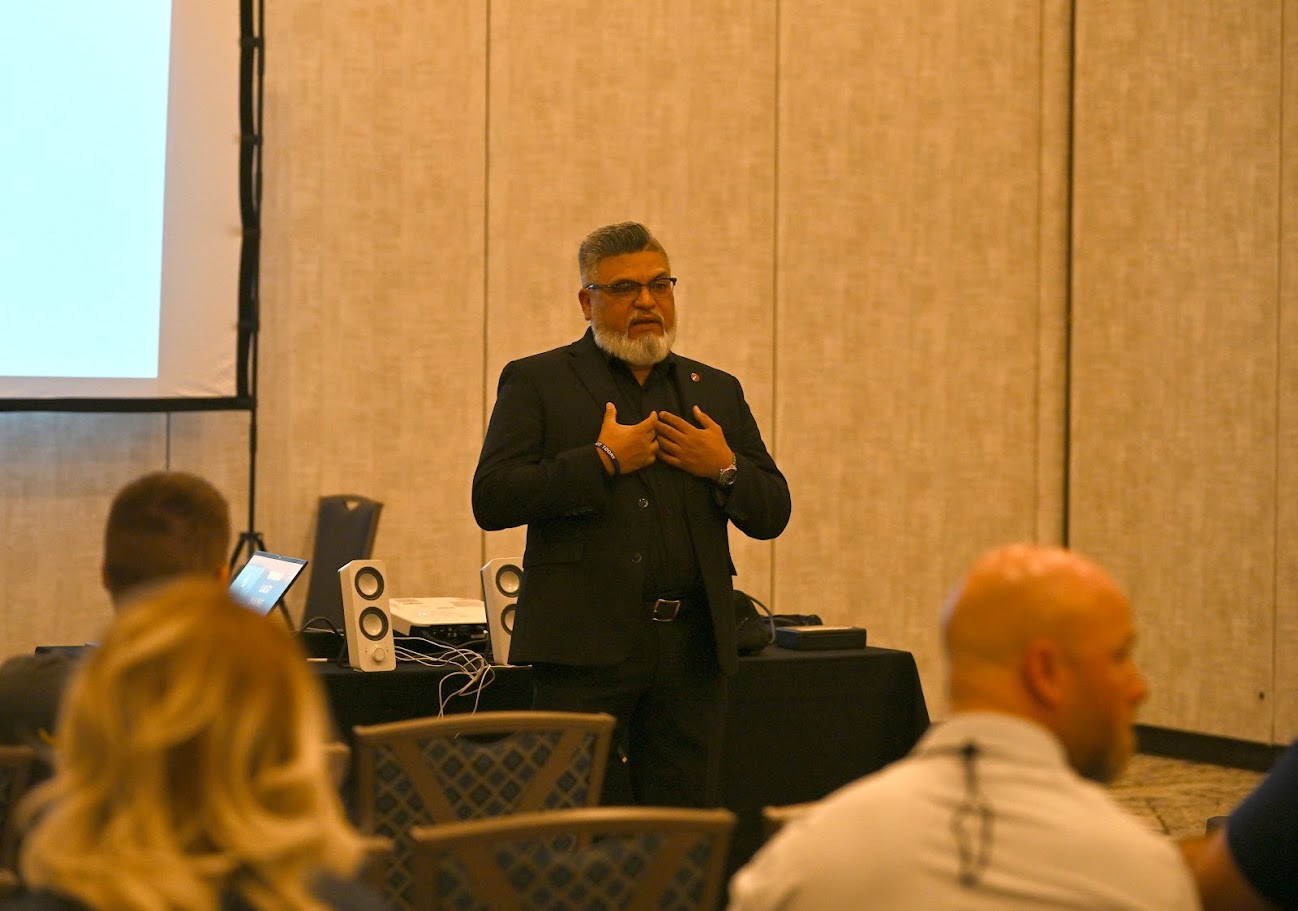
Law enforcement trainer teaching at the ILEETA Conference
3

I Am a Trainer or Educator Creating a New Account

Choose this path if you have never been an ILEETA member or your membership expired more than two years ago. You will need to upload verification prior to activating your account. 

View Instructions
Industry representative exhibiting at the ILEETA Conference and Expo
4

I Work for a Company but Am Not Applying as a Trainer or Educator

Choose this path if you support law enforcement training through a company, vendor, nonprofit, educational institution, or industry organization.

View Instructions
Current ILEETA member

Path one

Current or Recently Expired Member

Your membership information should already be in the new system.

  1. Click the account setup button below.
  2. Create your user profile using your preferred email address. If you recieved an email with a link to this page, use that email to set up your account. Otherwise, be sure to use your "prefered email address" listed in on file in Wild Apricot.  
  3. Submit the profile.

If your membership is current, access should activate when your email address matches the information already in the system.

If your membership expired within the last two years, you should still be recognized without uploading verification. You will be prompted to renew before accessing active-member areas.

Important: Use the email address listed as "prefered email address" in your old Wild Apricot account. 
Create Your User Profile

Path two

Trainer and Industry Representative

Your trainer or educator status should guide your first step. 

  1. Create a standard user account using the account setup link below.
  2. Complete any trainer or educator verification requested by the system.
  3. Once your user profile is established, contact Jill Johanix so she can connect you with your company and establish the appropriate vendor relationship.

This allows you to maintain one personal account while participating in ILEETA as both a trainer and an industry representative.

Do not create a second personal account for your company role. Create one user profile, then contact Jill Johanix at marketing@ileeta.org.
Create Your User Profile Contact Jill Johanix
ILEETA member who is both a trainer and industry representative
Trainer creating a new ILEETA account

Path three

New or Returning Trainer/Educator

Create your profile and provide verification of your role as a trainer or educator.

  1. Click the account setup button below.
  2. Create a standard user profile.
  3. Upload educator or trainer verification.
  4. Submit the account for review.
  5. Once approved, complete your ILEETA membership application.

Verification may include an instructor certificate, a memo or letter from a supervisor, or a statement from a customer or agency confirming your work as a trainer or educator.

Most verification requests are reviewed within one business day. For urgent assistance, call Jenny Merlin at (262) 767-1406.
Create Your User Profile

Path four

Industry Subscriber

Create a FREE individual subscriber account to connect with ILEETA without applying for trainer membership.

  1. Click the subscriber account button below.
  2. Create your individual profile.
  3. Submit the account.
  4. If your company is not listed in our system yet, we will add it and contact you when it is complete. 

Your subscriber account can help you receive ILEETA news, conference announcements, vendor updates, and selected website access. It also prepares you for future sponsor and exhibitor opportunities.

Registering your company with ILEETA is free and does not obligate you to sponsor or exhibit.
Create a Subscriber Account Contact Jill Johanix for Assistance
Industry subscriber and company representative

Need Help Choosing the Right Path?

ILEETA members often serve in more than one role. Contact us before creating multiple profiles or selecting an account type that does not seem to fit.

Account Problems

Contact ILEETA before creating a second account. We can help locate or connect your existing information.

A simpler path into the new ILEETA website

Choose Your Path and Get Connected.

Whether you are moving an existing membership, joining for the first time, serving as both a trainer and vendor, or connecting as an industry subscriber, the process begins with the right account.

Return to Account Options